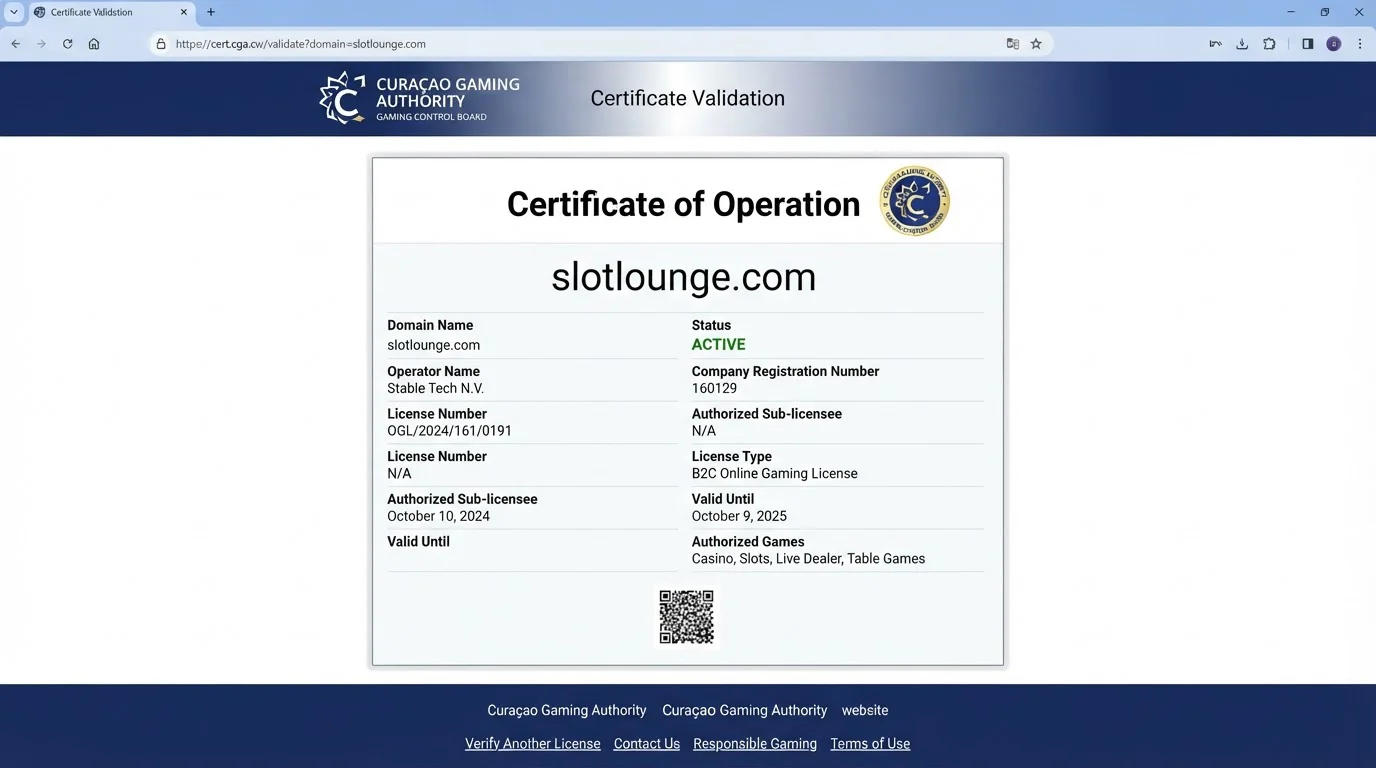
Checked 10 September 2026
SlotLounge App and Mobile Casino for Australia
 Available in US
SlotLounge currently promotes an installable mobile experience for both iOS and Android, but the important technical detail is that the brand describes its mobile software as a progressive web app, or PWA. That means this guide does not treat it as a verified native Apple App Store or Google Play app. The current SlotLounge site exposes “Get App for IOS” and “Get App for ANDROID” links, while its own product copy says the PWA is compatible with Android and iOS.
For an Australian reader, the practical check is the live install route on the phone or tablet being used. Device prompts, browser behaviour and location-specific access can change, so confirm what the current page offers before installing. Mobile access also does not change SlotLounge’s Australian regulatory position.
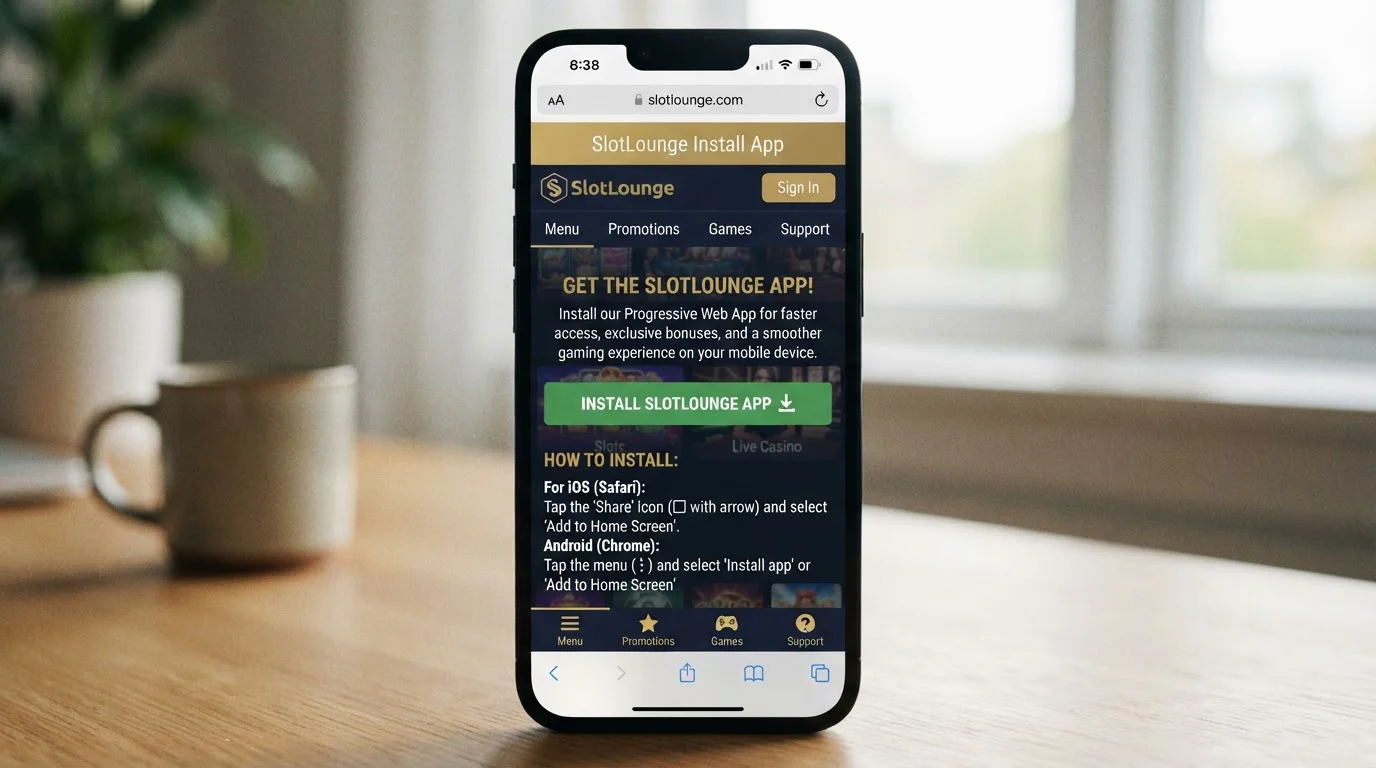
Table of Contents
- The SlotLounge app is presented as a PWA
- What the current iOS and Android evidence shows
- What can be used from the mobile experience
- Login and account continuity
- PWA behaviour can differ from a native app
- Install-state and security checks after adding the PWA
- Payments on mobile: check the current cashier, not a generic list
- Five checks before installing or using SlotLounge on a phone
- Mobile access does not change the Australian regulatory layer
- Current sources for the mobile check
- Verdict: useful mobile route, but call it a PWA
The SlotLounge app is presented as a PWA
A progressive web app sits between an ordinary mobile website and a traditional native app. It is delivered through web technology, but a compatible browser can offer an install-style experience that places the service on the device for quicker access. SlotLounge’s current homepage explicitly calls the mobile software a PWA and says it is compatible with Android and iOS.
That distinction matters because “app” can otherwise imply a verified listing in Apple’s App Store or Google Play. We did not verify a native store listing as part of this page, so this review does not claim one. The official route to check is SlotLounge’s own current install page and the install control shown on the device itself.
A PWA also means the exact installation flow can depend on the browser and operating system version. The sensible approach is to follow the current official prompt rather than relying on images from an older guide. If the install option is absent, that does not prove that a native store app exists elsewhere.
What the current iOS and Android evidence shows
SlotLounge’s main site currently displays separate calls to action labelled “Get App for IOS” and “Get App for ANDROID”. The install page is also presented for iPhone and iPad and describes access to slots, sports betting and live casino content. Those observations support the basic iOS and Android compatibility claim without requiring a claim about store distribution.
The brand also exposes an English-AU localisation option on its current site. That is useful interface evidence for Australian readers, but it is not the same as a guarantee that every Australian ISP, device or browser will reach the same route at all times. The installation check still belongs on the actual device.
Before adding anything to a home screen, confirm that the address belongs to the official SlotLounge site and that the page reached from the install button is the expected brand page. Avoid third-party download files or unofficial app packages that are not part of the brand’s published route.
What can be used from the mobile experience
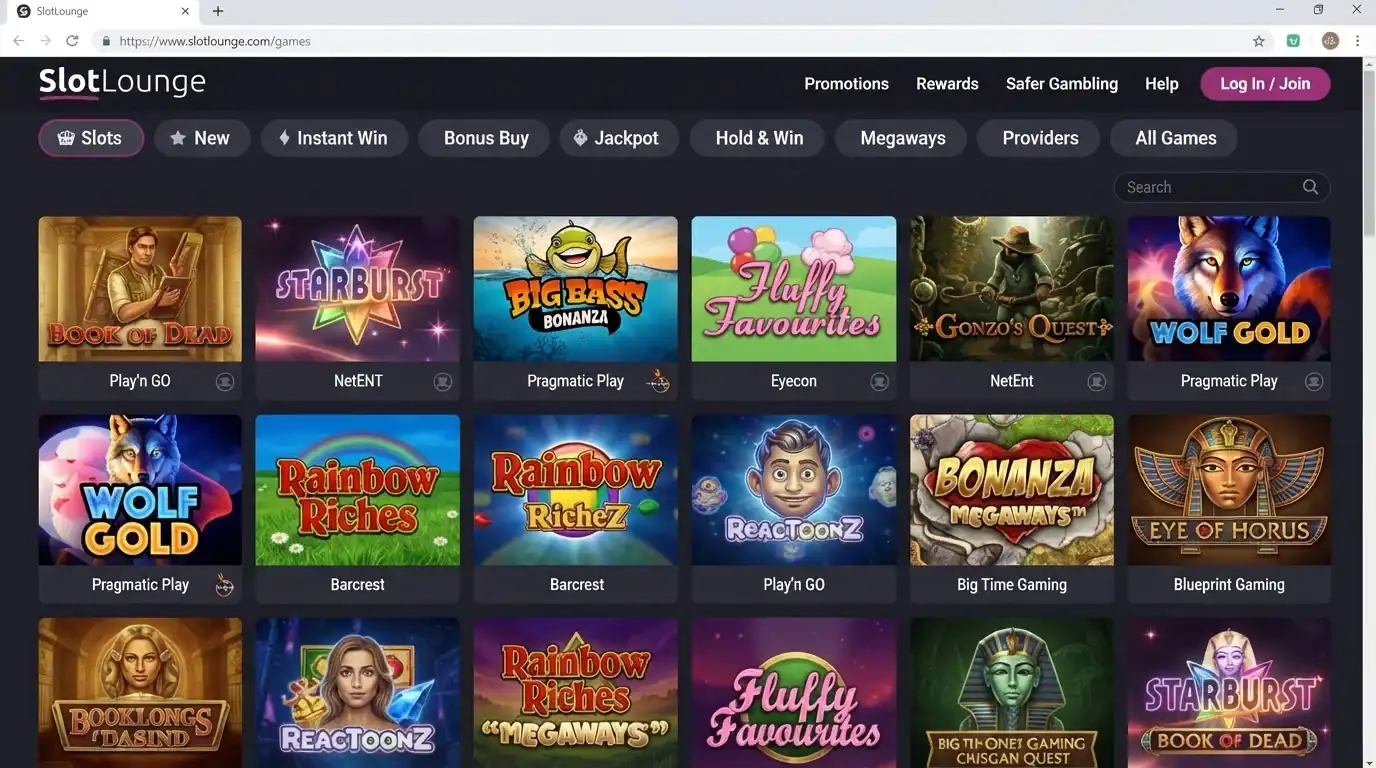
SlotLounge’s current mobile copy promotes slot games, live casino tables and sports betting. The wider site also has dedicated slot and live-casino navigation. In practical terms, the mobile proposition is not framed as a separate mini-casino with a different account. It is an access route into the wider SlotLounge product.
Australian readers should not assume that every title shown globally is available to them. SlotLounge’s current Terms contain provider-level restrictions for Australia, and those restrictions matter regardless of whether access is from desktop or mobile. The SlotLounge pokies and games explains the current categories and the Australia-specific provider limits without treating the global lobby as an Australian availability guarantee.
The same principle applies to live content. A mobile interface may show a category or search result while provider restrictions still determine whether a particular title can be launched for the account and location. Mobile convenience does not override those underlying product rules.
Login and account continuity
The current SlotLounge site presents website and installed-mobile access as part of the same service. A user who already has an account should therefore approach the PWA as another access surface rather than creating a second account simply because a mobile icon is available. SlotLounge’s Terms allow one account per player, so duplicate signup is not a sensible way to test the app.
If you have not registered yet, use the registration guide for the current age, account and identity rules before moving to mobile installation. Accurate account data matters more than the device used to access the service, especially where payment ownership or later verification becomes relevant.
When switching between desktop and mobile, check that the same account details, balance and account status are displayed. If a new browser session asks for login again, treat that as a session issue rather than evidence that a separate mobile account has been created.
PWA behaviour can differ from a native app
A PWA can look and feel app-like after installation, but it still depends on web technology and the browser environment. That can affect practical details such as how the install option is presented, whether the service opens in a standalone window or browser tab, and how a user returns to it from the home screen. Those behaviours are device-level observations, not fixed casino features that this page can guarantee for every iPhone, iPad or Android handset.
This is why one device view should not be treated as a universal installation manual. Operating-system updates and browser changes can alter the wording or position of an add-to-home-screen control. The stable fact is the brand’s current PWA positioning and its iOS/Android compatibility claim. The exact taps should be checked on the device in front of you.
Install-state and security checks after adding the PWA
After installation, reopen the icon and confirm that it resolves to the expected SlotLounge service and account. A home-screen icon is an entry point into the installed web experience; it should not be treated as proof that a file from a third-party site is legitimate. If the address, login flow or branding looks different from the official route, stop and recheck the source before entering credentials.
Also separate local device behaviour from account security. Clearing browser data, changing devices or using a different browser can affect sessions and saved shortcuts without changing the underlying SlotLounge account. If access fails after a device change, use the official login path and support process instead of creating another account.
Payments on mobile: check the current cashier, not a generic list
SlotLounge publishes a global set of payment methods, but its Terms also tell players to check which methods are available for their country of residence. A mobile screen therefore should not be used to promise a particular Australia-specific payment route before the cashier actually shows it for the account.
The payments in Australia separates globally published methods from what should be confirmed in the live cashier. That distinction is especially useful on a phone, where a familiar wallet button may appear or disappear depending on device, region, account state or current payment-provider support.
Do not infer “instant payout” from the convenience of a mobile wallet or from a fast deposit button. Withdrawal processing, KYC and payment-network timing are separate issues from the mobile interface.
Five checks before installing or using SlotLounge on a phone
- Open the current official install route. Use the SlotLounge site rather than an unofficial download mirror.
- Confirm the device prompt. Check whether the current browser offers the expected PWA installation or home-screen route.
- Verify account continuity. Make sure you are signing into the same SlotLounge account rather than creating a duplicate profile.
- Check the live product. A game or payment method shown in global marketing may still be limited by Australia-specific provider or cashier rules.
- Keep regulation separate from installation. An app icon on a phone is not evidence of Australian licensing or local consumer-protection coverage.
Mobile access does not change the Australian regulatory layer
The mobile question is technical: can the current SlotLounge PWA be installed or accessed on a compatible device? The Australian regulatory question is separate. Installing a PWA does not change the service’s regulatory status, and an iOS or Android compatibility statement is not an approval from ACMA.
ACMA maintains the public register used to check licensed interactive gambling providers in Australia. No SlotLounge or Stable Tech N.V. listing was verified in that register. For the current enforcement context and why online casino access needs to be assessed separately from app compatibility, read the Australian legal status.
Current sources for the mobile check
The PWA description and iOS/Android compatibility were rechecked on the current SlotLounge homepage. The live installation presentation was checked on the official install page. These sources support the PWA and product-access claims made here, but they are not used to invent native app-store listings, star ratings or guaranteed device performance. For the general distinction between a PWA and a native app, the current MDN PWA installability guide explains that install UI and behaviour vary by browser and platform.
Verdict: useful mobile route, but call it a PWA
The clearest way to describe SlotLounge mobile in 2026 is as an installable PWA promoted for iOS and Android. It gives the brand a phone-friendly route into slots, live casino and other promoted product areas without requiring this review to pretend that a native App Store or Google Play listing has been verified.
For an Australian reader, check the live install prompt, keep the same account, verify game and payment availability in the current interface, and treat local regulatory status as a separate question. Return to the SlotLounge Australia review for the broader product summary.
Created by the ”Slotlounge Casino” editorial team.